
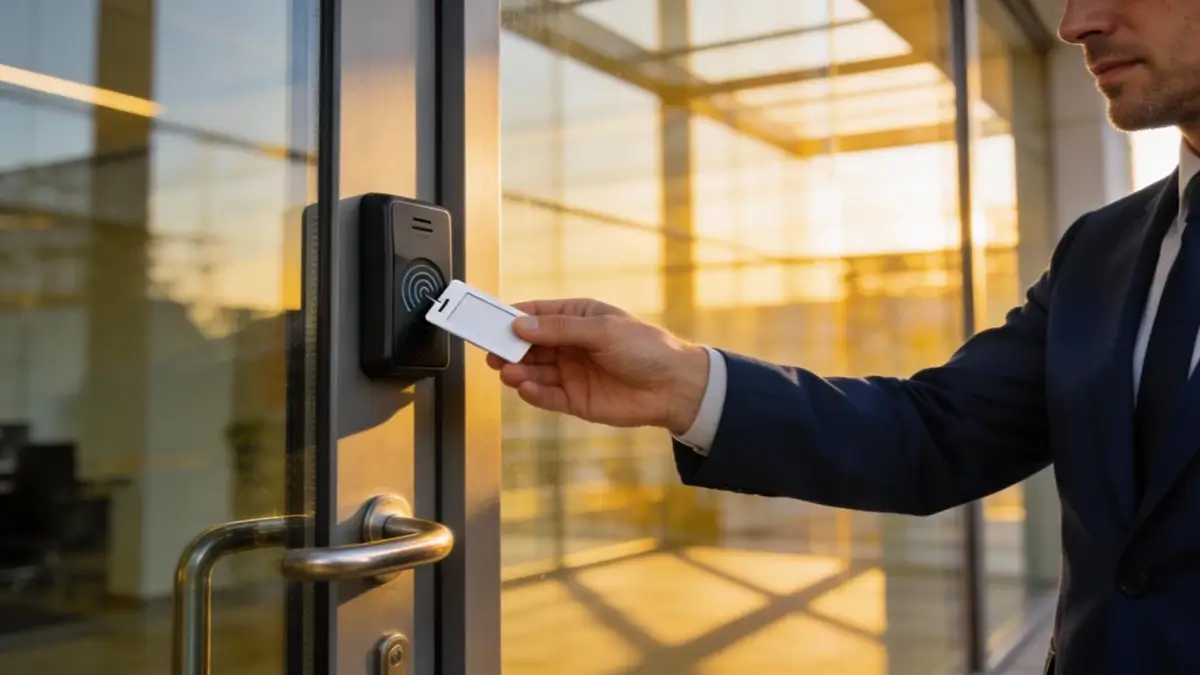
Managing who can enter your building is an important part of protecting employees, property, equipment, and restricted areas. Traditional locks and physical keys can work for simple environments, but they become harder to manage as businesses add employees, doors, departments, or locations.
Business access control systems provide a more flexible way to manage entry. Instead of relying only on physical keys, businesses can use electronic credentials and software to decide who can enter specific areas and when access is permitted.
For Michigan businesses considering a new system or replacing an older one, understanding how access control works can make it easier to choose a solution that supports both security and everyday operations.
What Are Business Access Control Systems?
Business access control systems are electronic security solutions used to manage entry into buildings, rooms, offices, and other controlled areas.
An administrator can typically assign permissions according to the user, door, building, schedule, or other defined requirements.
A commercial system may include:
- Electronic door locks
- Card or credential readers
- Key cards and key fobs
- Mobile credentials
- Keypads
- Biometric readers where appropriate
- Access control panels
- Management software
Instead of distributing traditional keys to everyone, businesses can issue individual credentials and change permissions when operational needs change.
How Do Access Control Systems Work?
Most access control systems involve three basic steps: identification, verification, and permission.
1. A User Presents a Credential
An employee or authorised visitor presents a credential at a reader. Depending on the system, this might be a card, fob, PIN, mobile credential, or another supported method.
2. The System Checks Access Permissions
The system checks whether that credential has permission to enter the requested area.
Permissions may be based on factors such as:
- The specific door
- User or employee
- Department or role
- Building
- Day of the week
- Time of day
3. Access Is Granted or Denied
If the credential meets the configured requirements, the door is unlocked. If it does not, access remains restricted.
This makes it possible for a company to give employees access only to the areas they need rather than giving everyone unrestricted building access.
Why Do Businesses Use Access Control Instead of Traditional Keys?
Physical keys have limitations, particularly for growing organisations.
If an employee leaves without returning a key, a business may need to replace or rekey locks. It can also be difficult to control when someone uses a traditional key or restrict that key to certain operating hours.
With business access control systems, administrators can update permissions through the system instead.
Simplified Employee Access
Credentials can be assigned according to the employee’s responsibilities and changed as their role changes.
Faster Credential Management
Lost cards or other credentials can generally be disabled without replacing the physical locking system for every user.
Scheduled Entry
Businesses can establish opening and closing schedules and determine when particular users are permitted to enter.
Better Management of Restricted Areas
Server rooms, storage areas, offices, laboratories, equipment rooms, and other sensitive spaces can have different permission levels.
Easier Multi-Door Management
A central system makes it easier to manage multiple controlled doors than maintaining separate physical keys for every entrance.
What Types of Access Control Systems Are Available?
The right system depends on how the facility operates, the number of users, security requirements, and future expansion plans.
Key Card and Key Fob Systems
Cards and fobs are commonly used for commercial properties because credentials can be individually assigned and managed.
They can work well for offices, warehouses, healthcare facilities, schools, manufacturing properties, and other commercial environments.
Keypad Access Control
A keypad allows authorised users to enter using a PIN or code. Depending on the property, a keypad may be used independently or as part of a broader access control solution.
Mobile Credential Systems
Some modern systems allow compatible smartphones or mobile devices to function as access credentials, reducing reliance on physical cards.
Biometric Access Control
Biometric systems use characteristics such as fingerprints or other identifiers for authentication. These solutions may be appropriate for facilities or areas requiring a higher level of access verification.
Role-Based Access Control
Larger organisations can also organise permissions according to a person’s role. For example, an administrator might have access to one set of areas while warehouse employees, managers, contractors, and visitors receive different permissions.
What Should You Consider Before Choosing an Access Control System?
There is no single system that fits every commercial property.
Before installation, evaluate how people currently move through your facility and where greater control is required.
Consider:
- How many doors require controlled access?
- How many employees or users need credentials?
- Do different departments require different permissions?
- Are there areas requiring additional restrictions?
- Do permissions need to change according to time or schedule?
- Will the business add doors or facilities in the future?
- Does access need to be managed across multiple locations?
- Will the system need to work with existing security technology?
Planning around these questions helps prevent choosing a system that works today but becomes difficult to manage as the organisation grows.
Can Access Control Integrate With Other Business Security Systems?
Depending on the technologies selected, access control systems can form part of a broader commercial security strategy that also includes video surveillance, intrusion detection, intercoms, and other building security technologies.
For example, combining controlled entry with surveillance cameras can provide greater visibility around important entrances and restricted areas.
An experienced security integrator can assess existing equipment and determine which technologies can work together effectively.
What Does Access Control Installation Involve?
Professional installation starts with understanding the facility rather than simply selecting readers and credentials.
Site Assessment
The installer reviews entrances, restricted areas, existing locks, building operations, user requirements, and current security infrastructure.
System Design
A system is then planned around the doors that require control, credential types, user permissions, scheduling requirements, software, and future expansion.
Installation and Configuration
Readers, locking hardware, controllers, software, and other required components are installed and configured.
User permissions and schedules can then be established according to the business’s operational requirements.
Training and Ongoing Support
Administrators should understand how to add or remove users, modify permissions, adjust schedules, and manage the system as the business changes.
Ongoing service is also important if equipment requires troubleshooting, repair, expansion, or replacement.
Frequently Asked Questions About Business Access Control Systems
What type of access control system is best for a business?
The appropriate system depends on the size of the facility, number of doors, number of users, required permission levels, security requirements, and plans for future expansion. A professional site assessment can help determine which configuration fits the property.
Can an existing access control system be upgraded?
Yes, in many cases. Existing hardware or infrastructure may sometimes be retained while other components are replaced or expanded. Compatibility should be evaluated before deciding whether an upgrade or complete replacement makes more sense.
Can access control be used at multiple business locations?
Yes. Depending on the platform selected, access can be structured across multiple doors, buildings, users, and locations. Businesses with several facilities should consider scalability when choosing a system.
Business Access Control Systems for Michigan Businesses
Businesses looking for business access control systems in Saginaw, Bay City, Midland, Flint, Mt. Pleasant, Alma, and communities throughout Michigan can work with Honor Security for customised commercial access solutions.
Honor Security is a Saginaw-based commercial security systems integrator serving the Great Lakes Bay Area and businesses across Michigan. The company designs and professionally installs access control systems that allow businesses to manage entry by building, door, employee, customer, and scheduled time frame.
Honor Security also works with established access-control technologies including HID, Kantech, Paxton Access, Avigilon Alta Access, Avigilon Unity Access, ASSA ABLOY, RS2 Technologies, and Altronix. Businesses can also receive ongoing service, system repairs, training, and support as their security requirements change.
For Michigan businesses that want a system designed around their facility rather than a one-size-fits-all solution, Honor Security offers local expertise backed by professional installation and ongoing support. Consult Honor Security to discuss your access control requirements.
Book an Access Control Consultation

