 Skip to content

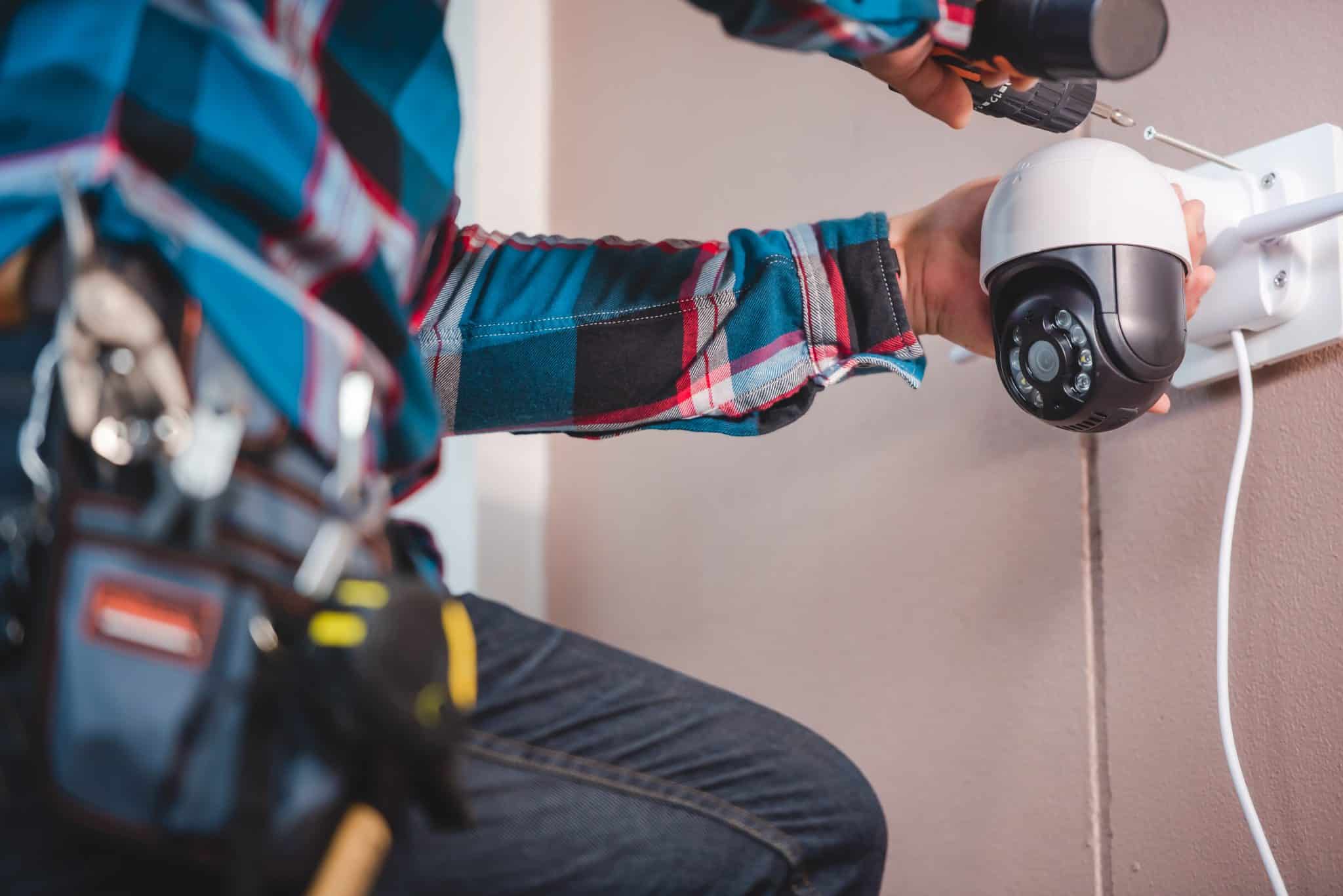
Imagine needing security footage after an incident, only to discover that a camera stopped recording days earlier. This can happen when equipment problems go unnoticed. Regular security camera maintenance helps businesses identify these issues before they affect surveillance coverage.
From checking recording equipment to inspecting camera lenses, preventative maintenance helps keep commercial surveillance systems dependable.
Why Is Regular Security Camera Maintenance Important?
Commercial security cameras operate for long periods, often in demanding environments. Without regular checks, small problems can affect their performance.
1. Prevents Missing or Unusable Footage
A camera displaying a live feed does not necessarily mean footage is being recorded correctly. Storage failures, connection problems, or incorrect settings can create recording gaps.
Routine checks help confirm that footage is being saved and can be played back when needed.
2. Maintains Clear Video Quality
Dust, spiderwebs, moisture, and dirty camera covers can reduce image clarity. Outdoor cameras may also shift because of wind or physical contact.
Cleaning and checking camera positions helps maintain visibility across entrances, parking areas, and other monitored spaces.
3. Identifies Problems Before Equipment Fails
Loose connections, damaged cables, and failing power supplies may cause intermittent problems before a camera stops working completely.
Early detection allows businesses to address faults before they cause extended downtime.
4. Helps Protect Surveillance Equipment
Outdated firmware may contain security vulnerabilities. Physical damage and moisture exposure can also affect camera performance.
Regular inspections and manufacturer-supported updates help maintain equipment condition and reduce avoidable risks.
CCTV Maintenance Checklist for Commercial Properties
A practical CCTV maintenance checklist should cover more than cleaning camera lenses. Businesses need to check the entire recording system.
| Component | Maintenance task |
| Camera lenses | Check for dust, dirt, spiderwebs, and moisture |
| Camera positioning | Confirm the intended areas remain visible |
| Housings and mounts | Inspect for damage, loose fittings, and water exposure |
| Power and cables | Look for visible wear, loose connections, or interruptions |
| Recording equipment | Confirm footage is being recorded and plays back correctly |
| Storage | Check capacity, drive health, and recording retention |
| Software and firmware | Review manufacturer-supported security updates |
| Alerts and remote access | Verify notifications and authorized remote viewing |
For technical inspections, electrical work, and firmware changes, use qualified personnel and follow manufacturer instructions.
How Often Should Security Cameras Be Maintained?
The right schedule depends on camera location, operating conditions, and how important the monitored area is.
The following is a practical starting point, not a universal requirement.
| Frequency | Recommended checks |
| Weekly | Review live feeds, recording status, and visible obstructions |
| Monthly | Check playback, camera positioning, alerts, and accessible equipment |
| Quarterly | Review equipment condition, storage health, and available software updates |
| Annually | Arrange a more detailed professional inspection based on system requirements |
Outdoor cameras exposed to rain, snow, dust, or extreme temperatures may need more frequent attention.
Businesses should also follow the equipment manufacturer’s recommended maintenance schedule.
What Are the Signs Your Security Cameras Need Maintenance?
Some camera problems are easy to overlook until footage is needed.
Watch for these warning signs:
- Blurry, distorted, or unusually dark recordings.
- Cameras frequently appearing offline.
- Missing footage or unexpected recording gaps.
- Delayed or unreliable remote viewing.
- Loose camera mounts or damaged housings.
- Recurring recording or storage error messages.
If these problems continue after basic checks, professional troubleshooting may be necessary.
When Should You Call a Security Camera Professional?
Basic visual inspections can help identify obvious problems. However, persistent recording failures, network issues, damaged wiring, and equipment faults require a closer assessment.
Professional security camera maintenance can help identify the underlying cause and determine whether a component needs adjustment, repair, or replacement.
Businesses should avoid attempting electrical repairs or accessing elevated cameras without appropriate training and equipment.
Frequently Asked Questions
Can security cameras work without an internet connection?
Yes. Some locally recorded systems can continue operating without internet access, provided their power, cameras, and recording equipment remain functional. Remote viewing and cloud-dependent features may be affected.
Does cleaning a camera lens improve night vision?
It can. Dirt, spiderwebs, and moisture may reflect infrared light into the lens, creating glare or reducing nighttime image clarity. Cleaning should follow the manufacturer’s instructions.
Can businesses maintain their own security cameras?
Staff can perform basic checks, such as reviewing footage and identifying blocked views. Technical servicing, firmware changes, and electrical repairs are better handled by qualified professionals.
Keep Your Commercial Surveillance System Reliable
Waiting until a camera fails can leave businesses without important footage. Regular security camera maintenance helps identify problems early and supports dependable surveillance.
Honor Security, Inc. provides preventative maintenance, repairs, and ongoing support for commercial security systems throughout Michigan.
Schedule Preventative Maintenance
Honor Security, Inc. | Contact Information
Name: Honor Security, Inc.
Address: 141 Harrow Lane, Suite 1
Saginaw, MI 48638
Phone: (989) 401-7070
Business Hours: Monday – Friday, 8:00am – 5:00pm
Email: office@honorsecurity.com
Facebook: https://www.facebook.com/p/Honor-Security-Inc-100086734759719/
Linkedin: https://www.linkedin.com/company/honor-security-inc-
